
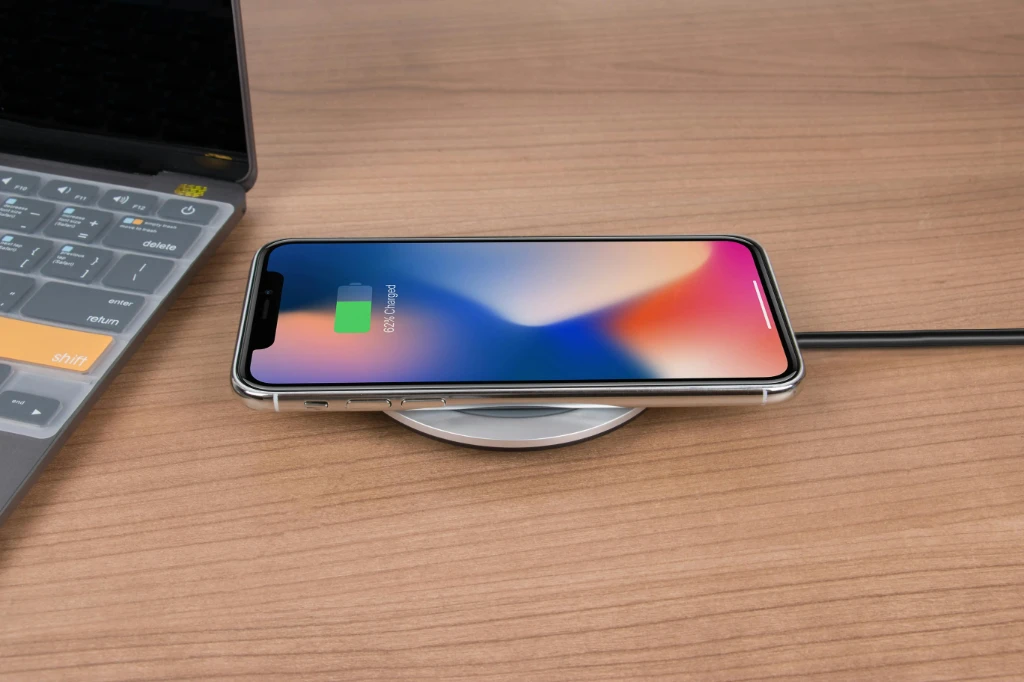
Factors that affect iPhone battery capacity: checking, optimization, and recognizing signs. Charging cycles, authenticity checks, and servicing.
The easiest way to check your iPhone’s battery capacity is directly in the phone’s settings.
Go to: Settings → Battery → Battery Health & Charging
Previously, Apple tried to preserve battery and device condition by reducing performance via software, but this “feature” was later changed, and battery health status was introduced in iOS 13.1.
Battery lifespan is related to its “chemical age,” which is not only about time but also proper charging habits for optimal performance.
Keep your iPhone battery between 20% and 80%
Avoid overcharging
Prevent overheating
Avoid extreme cold
Optimize charging habits (use scheduled charging features)
Use original Apple cables

iPhone 8 and newer models feature more advanced hardware and software, allowing more accurate energy management and better overall system performance. This also helps iOS predict unexpected shutdowns more precisely.
TIP: If you notice the following, your battery capacity has likely degraded:
Reduced capacity
Sudden percentage drops
Phone shuts down even when showing charge
Fast battery drain in cold weather
Slow app launching
Lower frame rate when scrolling
Dim display brightness
Apps reload after reopening
Low speaker volume
Camera flash disabled
További cikkek
Hírlevél feliratkozás