

iMessage is an excellent app for iPhone users that allows free text messaging between Apple device users. Activating and setting up iMessage is simple, and the app also offers many useful features and tricks.
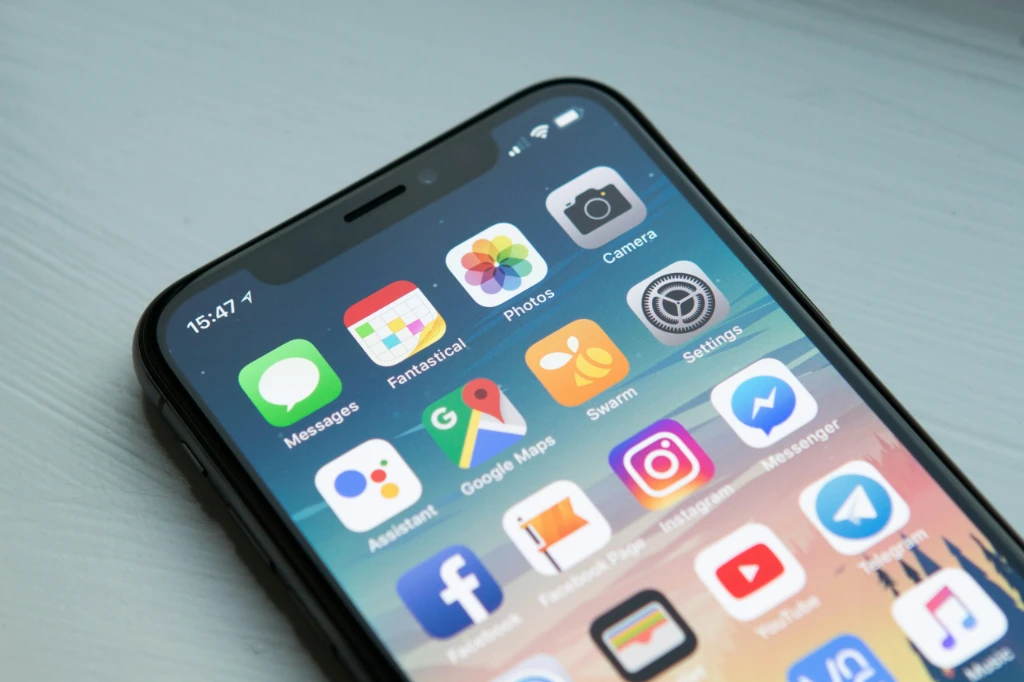
To use iMessage, you first need to activate the service on your iPhone. Go to the Settings app and select Messages. Here you’ll find the iMessage toggle, which you can easily turn on. You can also connect it with your Apple Watch to receive messages there.
If you experience issues during activation or setup, check your internet connection, Apple ID login, or your phone’s date and time settings.

iMessage also offers additional customization options.
Go to:
Settings → Messages → Send & Receive
Here you can add or remove reachable addresses, such as email addresses or phone numbers, through which iMessage can contact you.
iMessage offers many useful features to enhance the user experience. Beyond sending photos, voice messages, and GIFs, it provides a variety of interactive options.
For more interesting tips and insights, check out our articles on the MacSzerez blog!
További cikkek
Hírlevél feliratkozás