
Apple Pay is a widely accepted payment method that allows users to make easy and secure payments anywhere in the world where contactless card payments are available.
Paying via smartphone or smartwatch has become part of everyday life by 2024. Whether you’ve just bought an iPhone or are just discovering mobile payments, Apple Pay can offer a convenient and modern solution.
In this guide, we’ll walk you through Apple’s mobile payment system, Apple Pay, which provides an integrated and user-friendly way to manage your bank cards.
Apple Pay is a payment solution that allows you to add your bank cards and use them for contactless, online, and in-app payments. The system stores a digital version of your card and uses secure tokens for every transaction, ensuring safe payments.
Apple Pay is built on tokenization, meaning that instead of storing your actual card details, a unique token is stored on your device. This increases security, as real card data is never directly shared during transactions.
Apple Pay automatically generates and manages these tokens, ensuring that each transaction uses a unique identifier that is only valid for that specific payment.
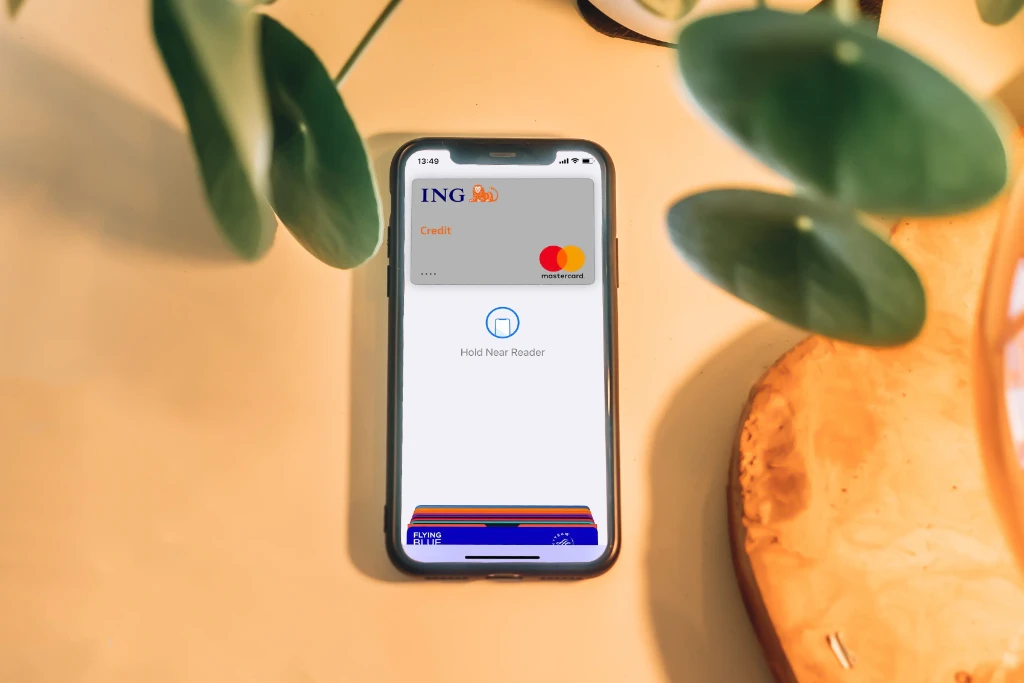
During setup, you can only add bank cards that are supported by your bank. If you add multiple cards, Apple Pay provides a unified interface for managing them, ensuring ease of use and transparency.
A default card can be set, allowing you to pay quickly without selecting a card every time.
Payments can be completed quickly and securely using your phone or smartwatch, without the need for a physical card. Simply add your card to the Wallet app, and you can start enjoying contactless payments.
During payment, you authenticate using a fingerprint (Touch ID) or facial recognition (Face ID).
Apple Pay also enables seamless online purchases without having to enter your card details each time—just select Apple Pay at checkout for a secure transaction.
Using an Apple Watch:
Double-press the side button to access your default card
Scroll to select another card if needed, then hold it near the reader
A successful payment is confirmed with a vibration and sound
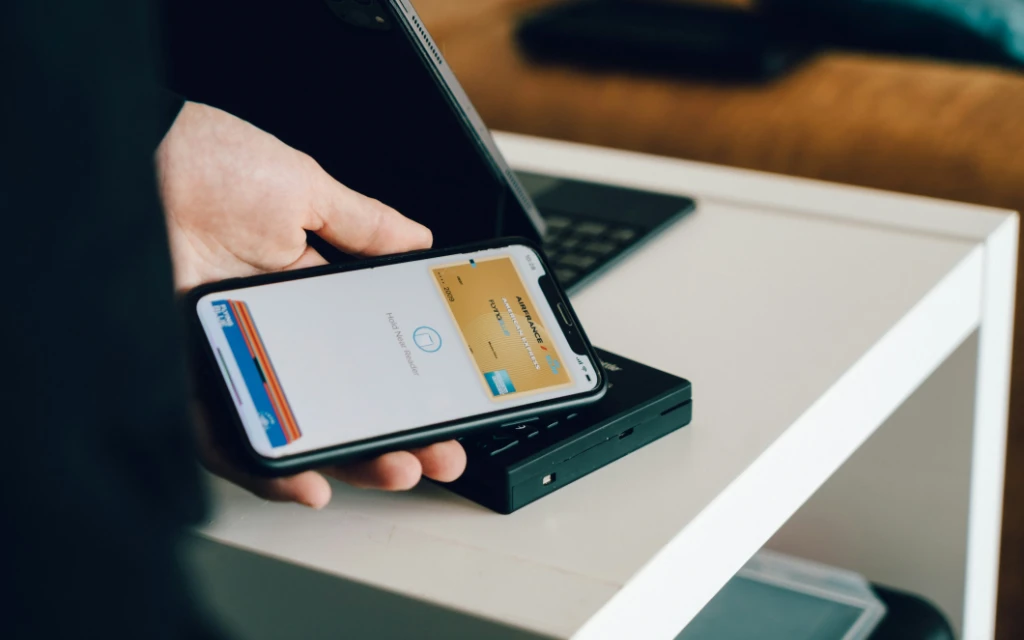
In the Wallet app, you can tap on your selected card to view your transaction history. This is also available on Mac computers and iPads via the Wallet app.
If you want to be a more conscious Apple user, consider buying used Apple devices. This not only saves money but also contributes to more sustainable consumption.
Apple Pay relies on NFC (Near Field Communication) technology, which enables communication between devices over short distances. iPhones and Apple Watches equipped with NFC make Apple Pay payments fast, smooth, and convenient.

További cikkek
Hírlevél feliratkozás