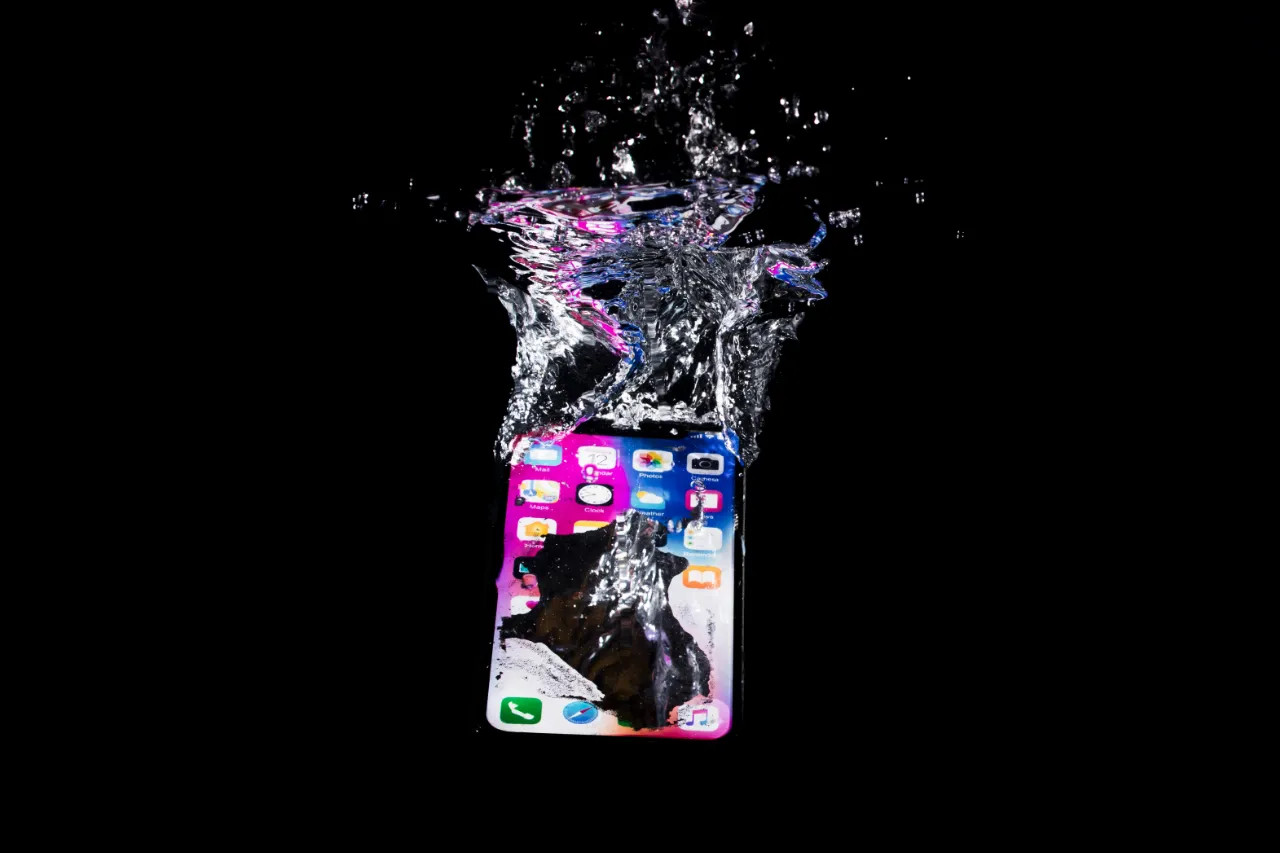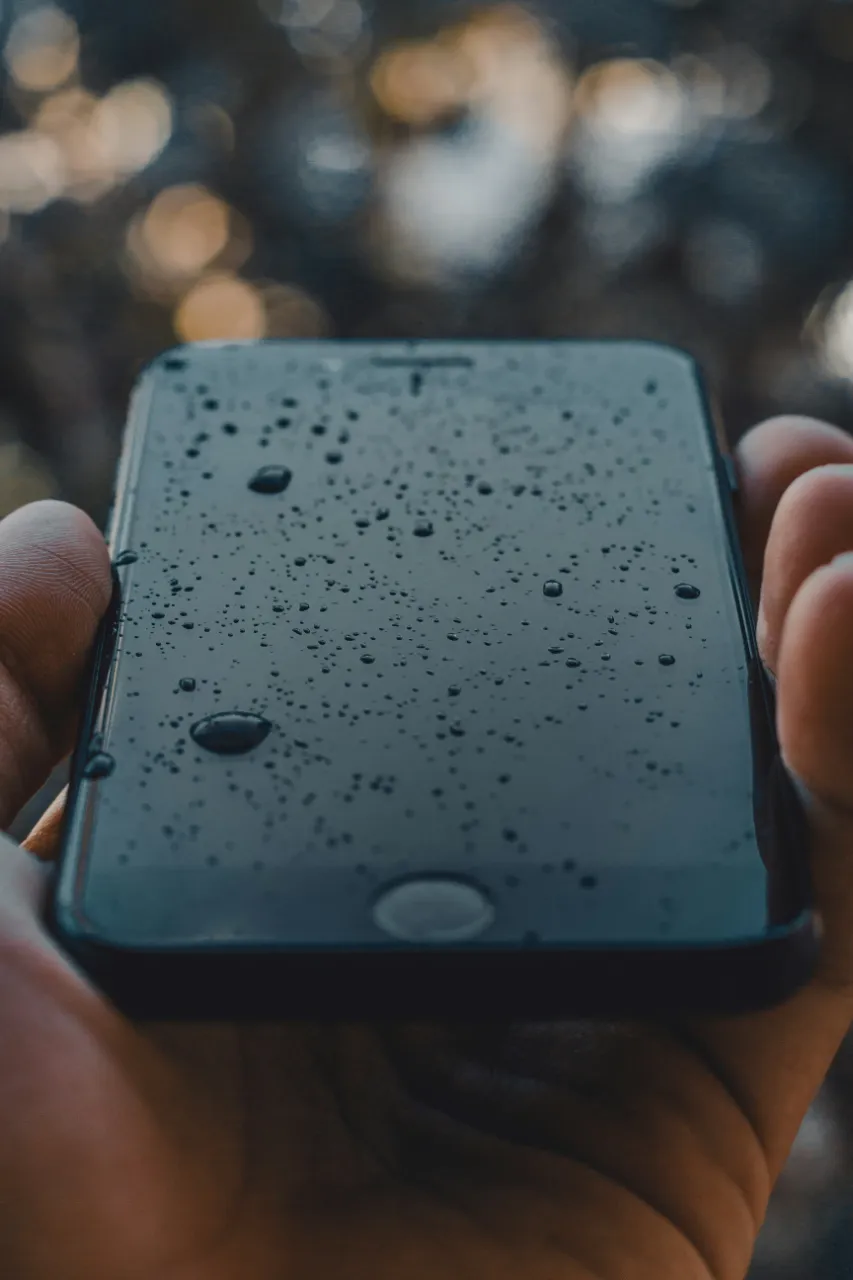
Modern smartphones are becoming increasingly durable, but even the latest iPhones are not completely waterproof. Many people have experienced their phone getting wet—this can happen for several reasons, but the most common is dropping it into water. In such cases, it’s still worth trying to save the device, as with quick action and the right steps, it may still be recoverable.
Immediate actions can be crucial. Do the following after dropping your phone into water:
Turn it off immediately!
Do not charge it or connect anything to it.
Wipe the outside dry, do not shake it, and do not use a hair dryer
If possible, remove the SIM card and take off the case
IMPORTANT: Do not try to turn it back on! Internal components may short-circuit, reducing the chances of successful repair.
Many people immediately turn to the “rice trick.” While rice can absorb some moisture, in the case of modern devices—whether new or used iPhones—it is not an effective solution. Due to the sealed design of devices, rice cannot reach critical internal components.
So don’t rely on this method—instead, contact a trusted Apple service professional.
Even if the phone still works, do not continue using it. Delayed short circuits are common.
Do not use a hair dryer and do not place it on a radiator—heat can damage components
Do not vacuum it or insert cotton swabs—this can make things worse
The best thing you can do is let it dry naturally and take it to a reliable iPhone repair service as soon as possible.
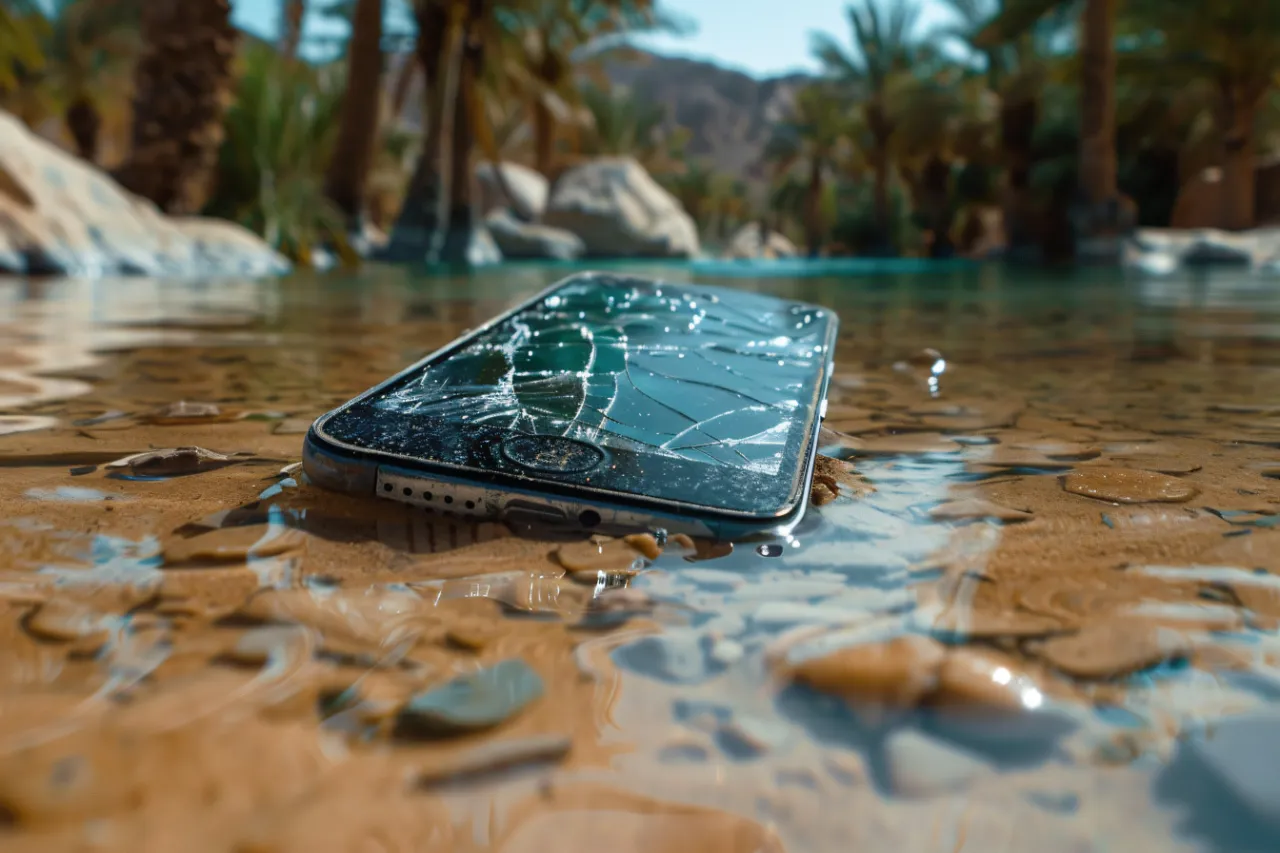
If the inside of the iPhone is damaged, only professional water damage repair is an option. In more serious cases, replacement may be the better solution. In many cases, data cannot be recovered if you delay the repair for too long.
If you experience any of the following, go to a service center immediately:
The phone does not charge
The speaker is noisy or the microphone is quiet
The screen flickers or is unresponsive
The phone won’t turn on or restarts by itself
These are signs of internal water damage that cannot be fixed at home.
A wet iPhone is not always a death sentence—but it can only be saved if you act immediately. In such cases, it’s best to rely on professional service. Home tricks are only temporary solutions—your most valuable data can only be saved with fast, expert intervention.
További cikkek
Hírlevél feliratkozás