
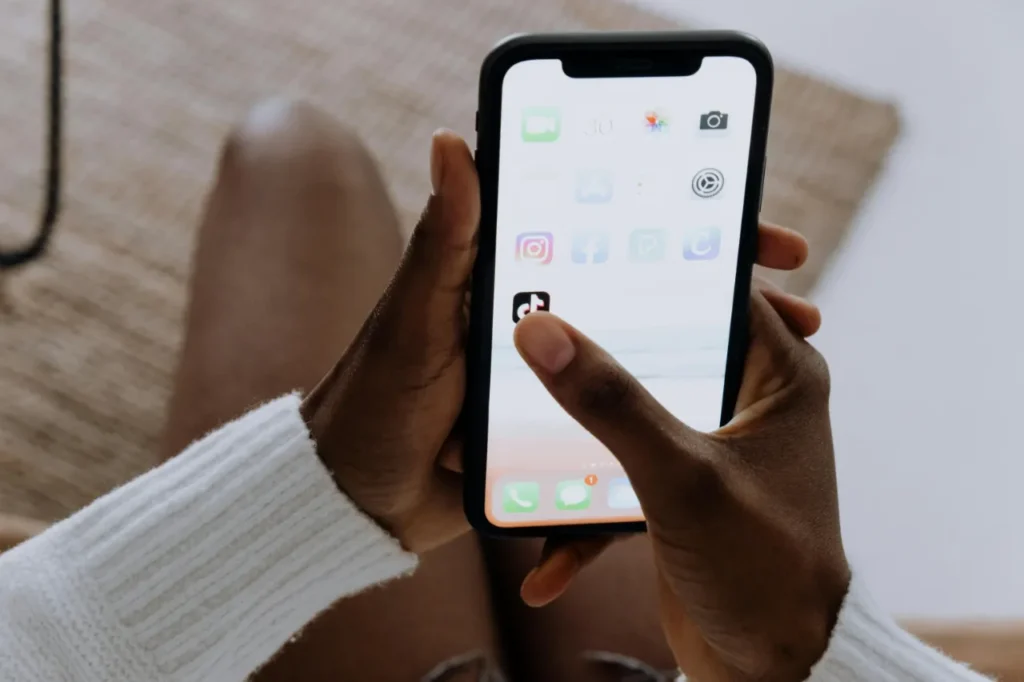
During the use of iPhones and other iOS devices, it’s common to notice that the device becomes warm or even overheats. This is especially noticeable while charging, during prolonged use, or when running intensive tasks. Below, we explain in detail why an iPhone heats up and how to handle overheating.
iPhones should ideally be used in environments between 0°C and 35°C. In temperatures that are too low or too high, the device may adjust its performance to protect internal components. Prolonged exposure to high temperatures—such as leaving the phone in a car—can significantly reduce battery lifespan.
Streaming while charging
The device may heat up during charging, especially when running intensive applications. If your charger becomes hot, it may indicate that the device itself is overheating. Processor-heavy apps like 3D games or video streaming can contribute to overheating, as the system tries to dissipate heat around the battery and processor.
High temperature
If your iPhone overheats, it may start draining faster—especially when exposed to direct sunlight, such as inside a parked car. It’s best to avoid high temperatures whenever possible.
High-performance apps
Applications that require significant processing power, such as video editing apps or games, can quickly heat up your phone. GPS and other graphics-intensive apps can also contribute to overheating.

Use an original or Apple-certified charger
Don’t leave your phone charging overnight
Avoid placing your phone on textile surfaces while charging (e.g., bed)
Delete unused apps
Close background apps
Don’t keep Bluetooth on for long periods unnecessarily
Don’t leave your phone in direct sunlight
Monitor your battery health
Don’t try to cool your phone rapidly (e.g., in a freezer), as sudden temperature changes can cause condensation and damage the device
If the back of your phone heats up, it may indicate a battery issue. If this happens frequently, it’s worth considering a battery replacement. In such cases, professional iPhone service centers can help with expert diagnostics and repairs.
iPhone overheating can be normal, especially when using intensive apps or in warm environments. It’s important to be aware that the device may heat up during charging and to monitor its temperature.
If you notice any issues, follow the steps above to minimize temperature increase and ensure proper operation.
If you experience persistent problems, remember that our Apple service in Budapest is ready to provide fast and effective solutions for your iPhone, iPad, and MacBook devices. Trust us with your repair to get your device back to its best condition.

További cikkek
Hírlevél feliratkozás