

If your iPhone buttons, such as the power button or volume buttons, are not responding, don’t panic! There are several simple steps you can try yourself to fix the issue before turning to a service center. Read our article to learn all the details and easily resolve the problem!
iPhone buttons, such as the power button, volume buttons—or in older models, the Home button—can wear out over time, collect dirt underneath, or stop responding due to software issues. It’s worth trying a few basic steps before seeking professional repair.
Remove the case and screen protector – These can sometimes interfere with button functionality.
Clean the buttons – Wipe them with a soft, dry cloth.
Restart your iPhone – Some software issues can be resolved this way.
Check for the latest updates – An iOS update may fix potential issues.
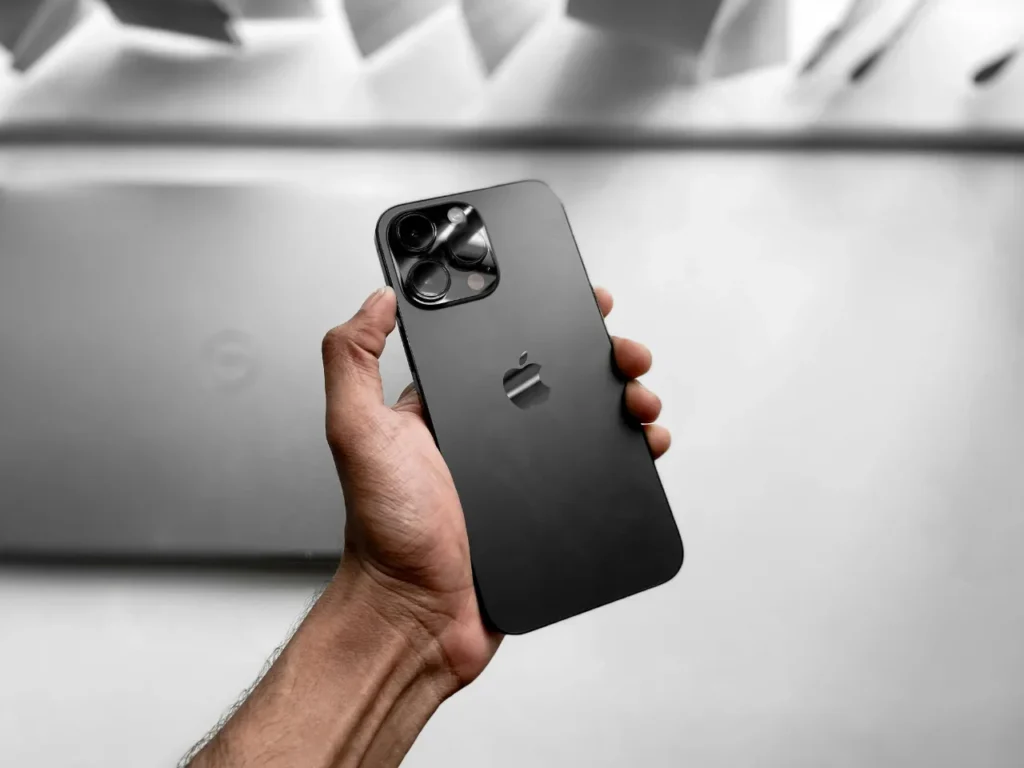
If your iPhone’s power button is not working, there are several alternative ways to control your device. With AssistiveTouch, you can place a virtual power button on the screen to lock or restart your iPhone. You can also assign custom gestures and personalize the menu—for example, adjusting the number and order of buttons. It allows easy use without physically pressing the buttons.
Open the Settings menu
Go to General > Accessibility > AssistiveTouch
Turn on AssistiveTouch
Replacing the iPhone Home button on-screen is possible on older models like the iPhone 8 and the first-generation iPhone SE. AssistiveTouch provides a solution for this as well.
Once enabled, a touch-sensitive virtual Home button appears on the screen, offering a temporary solution to the problem.
If the volume buttons or the side button are not working properly:
Check if Do Not Disturb mode is turned on
Try adjusting the volume in Settings > Sounds & Haptics
If there is visible physical damage, repair will likely be necessary
The MacSzerez team is ready to help with experienced professionals and modern equipment, providing fast and reliable iPhone repair services. We offer a warranty on our work, so you can be sure you’ll receive a durable and trustworthy solution.
If you’re planning to upgrade, we can buy your old device, or you can trade it in when purchasing a used Apple product. Check our prices and visit our showroom in Budapest, where we’re happy to answer all your questions!

További cikkek
Hírlevél feliratkozás