
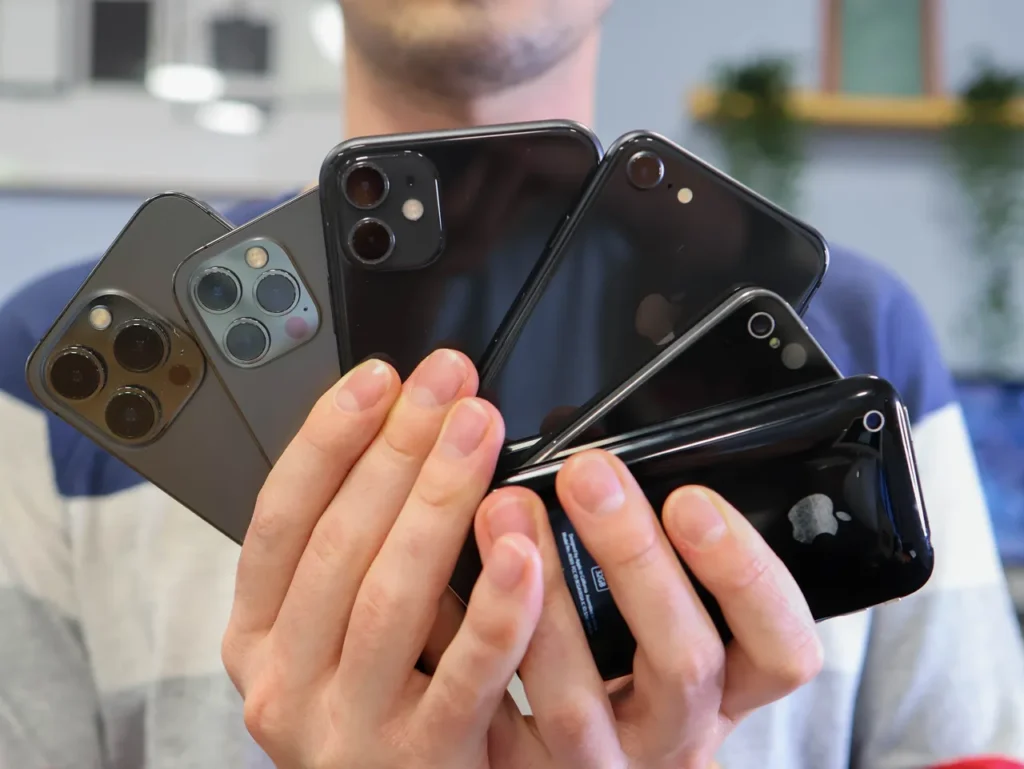
Many users find it confusing how to connect two iPhones. Whether you’re switching to a new device or simply want the same data, photos, and apps available on both your old and new phone, there are several solutions available. Let’s go through the options and the exact steps.
One of the simplest and safest methods is using iCloud. If you sign in with the same Apple ID on both devices, your data will automatically sync through the cloud.
Steps:
Open the Settings menu and sign in with your Apple ID.
Enable iCloud syncing for the desired content (photos, contacts, notes, apps, etc.).
On the second iPhone, sign in with the same Apple ID.
iCloud will automatically transfer the data, so the content on both phones will be almost identical.
This solution is ideal if you want both devices to stay up to date continuously via Wi-Fi or mobile internet.

If you prefer not to use the cloud, transferring data directly from one iPhone to another is also possible. Apple’s Quick Start feature provides a solution for this.
Process:
Place the two devices next to each other.
Start the setup on the new iPhone.
A prompt will appear on the old device to connect the new one.
Follow the on-screen steps: scan the code with the camera, then start the data transfer.
During the process, the system transfers most apps, photos, messages, and settings.
This method is especially useful if you want to transfer all content to a new device—for example, from an older iPhone to an iPhone 15.
Syncing and connecting two iPhones can be done in multiple ways. If you want to be on the safe side, we recommend using professional iPhone service, where our experts are always ready to help!
További cikkek
Hírlevél feliratkozás