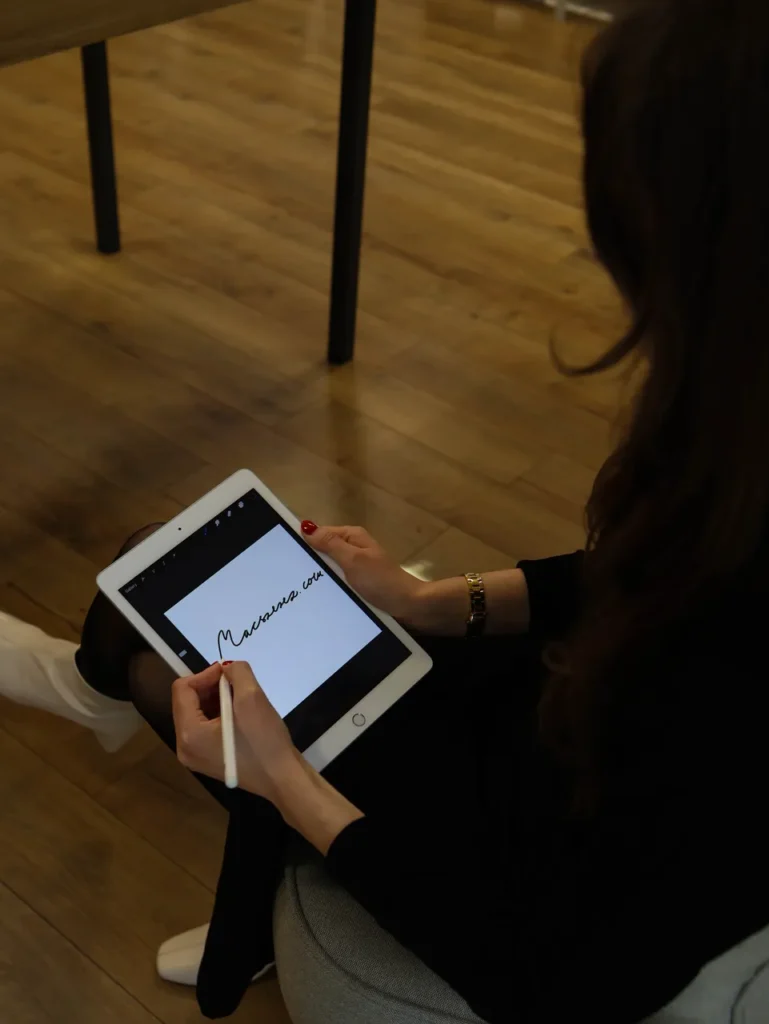
Digital drawing is no longer just for professional graphic designers—more and more students and hobby artists are trying it out. While a classic drawing tablet can be a great choice, many people prefer using an iPad for drawing, as it’s suitable for studying, note-taking, and creative work at the same time. It’s especially popular during school periods, as the iPad can replace notebooks, textbooks, and sketchpads.
Why choose an iPad for drawing?
Apple devices have been defining digital creativity for years. The best iPad for drawing is one that fits the user in both size and performance. The Retina display provides accurate colors and detailed visuals, making lines sharp and colors vibrant.
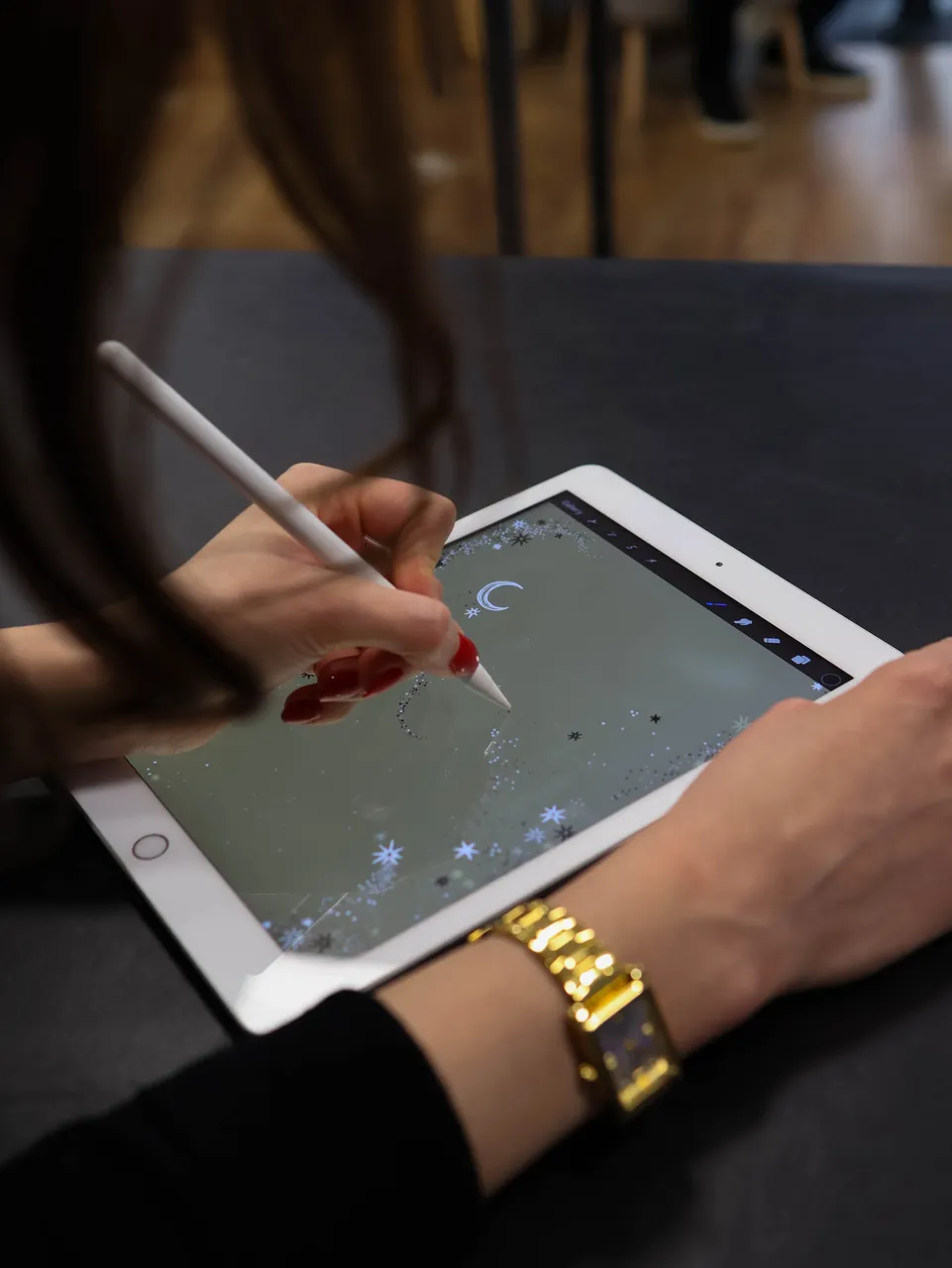
The Apple Pencil stands out in particular: it offers a natural writing experience, detects pressure sensitivity and tilt angle. Whether you’re sketching or creating detailed illustrations, the iPad + Apple Pencil combination delivers an experience that few drawing tablets can match.
iPad models for drawing
Each iPad targets a different audience. Beginners can go with the Air or the base iPad, while advanced users and professionals typically choose the Pro.
iPad Air – excellent value for money, lightweight, portable, and perfect for school
iPad mini – compact with an 8.3-inch display, unbeatable in portability
iPad Pro – the favorite of professional designers, available in 11” and 12.9”, with extremely powerful hardware and the best display
Apple accessories: cases, stylus, chargers
When drawing, it matters what accessories you use. Besides the Apple Pencil, it’s worth choosing a high-quality case that keeps the iPad stable and provides a comfortable drawing angle. Compatible chargers are also important, as drawing sessions can be long, so battery reliability is key.
The Apple Pencil comes in two generations, and not every iPad supports both. Before purchasing, it’s always recommended to check compatibility with your specific model.
rawing tablet or digital pen display?
Many people compare the iPad to traditional drawing tablets or pen displays. The key difference is that the iPad works as a standalone device—you don’t need to connect it to a computer.
This is especially useful during school, as the iPad can be used for note-taking, studying, and creative work all in one. The best digital drawing device is one that offers multiple functions—not just drawing, but everyday usability as well.
If you’re interested in how to use an iPad for studying, check out our previous article on the topic.
Back to school and digital creativity
The new school year is always a great opportunity for students to try digital note-taking and drawing. A drawing tablet or an iPad isn’t just useful for creative classes—it also helps with organization, studying, and productivity.
Browse our selection, where everyone can find the perfect device at MacSzerez—whether it’s the more affordable Air, the compact Mini, or the professional-level Pro.