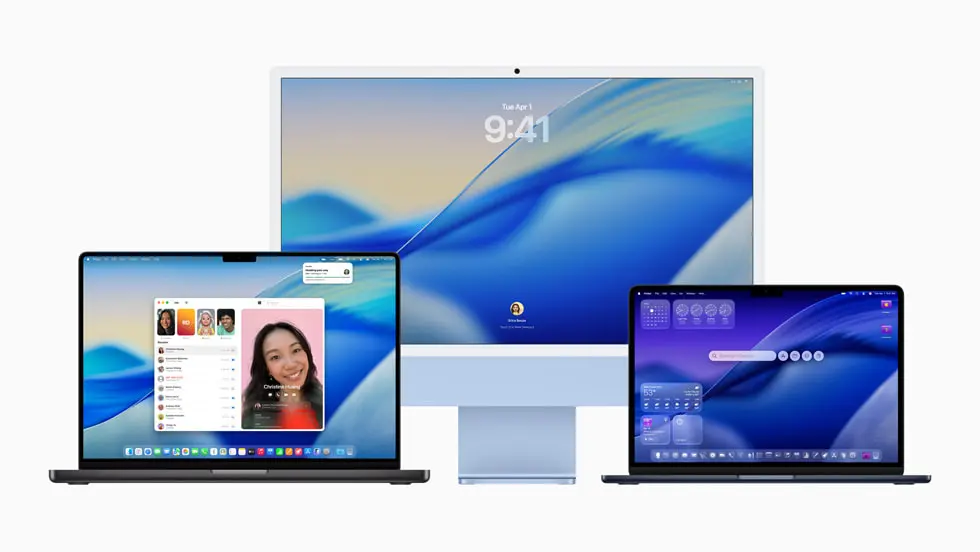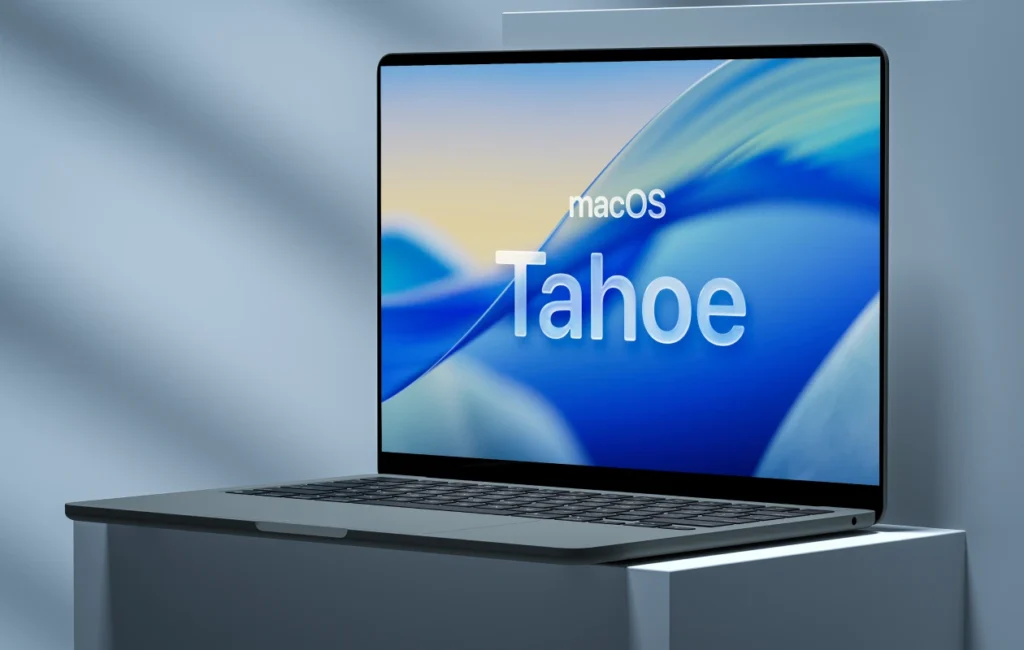
The latest macOS version, macOS Tahoe 26, is a visually impressive and technologically advanced update that redefines what it means to use a Mac on every level. Seamlessly integrated into Apple’s ecosystem, the new system introduces not only a fresh visual language, but also deeper iPhone integration, powerful Apple Intelligence AI tools, and a strong focus on gaming.
Liquid Glass: the future design in macOS Tahoe 26
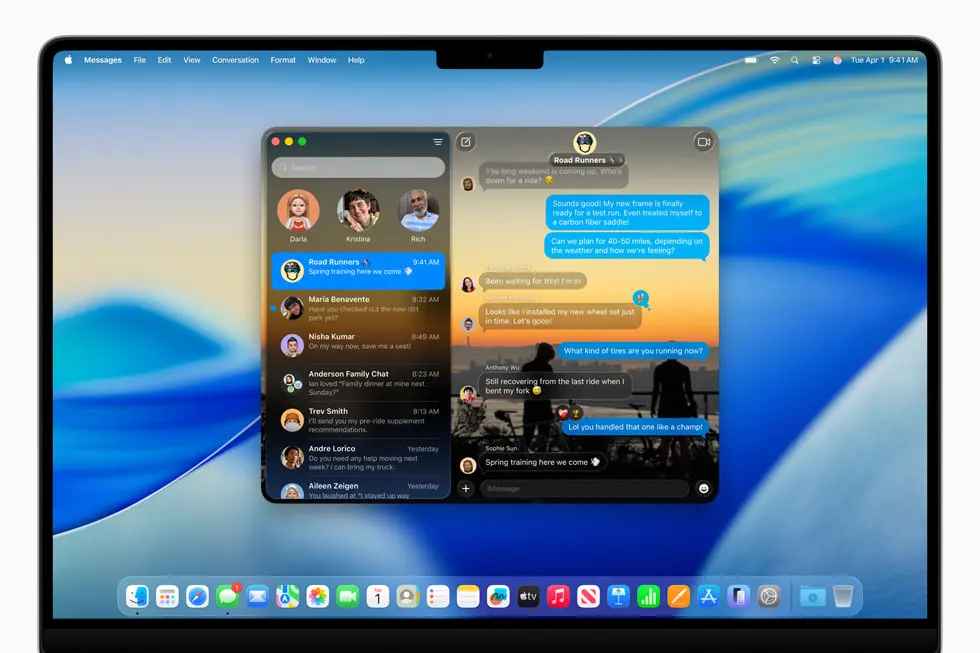
The new design update called Liquid Glass delivers a completely refreshed visual experience. Transparent system elements—such as the Dock, menu bar, and sidebars—dynamically adapt to the background. This is not only more aesthetic, but also improves functionality by keeping the focus on content.
For MacBook users, this change is especially striking, as the new macOS version fully utilizes the capabilities of high-resolution displays.
Smarter, more customizable system
Personalization received major attention in the macOS update: color tones, icon styles, and even folders can now be customized with emojis. The goal of macOS Tahoe 26 is to let every user shape the system to their own preferences—whether they are developers, designers, or everyday users.
iPhone and Mac: seamless collaboration
Apple has taken the Continuity concept to the next level. The Phone app is now available on Mac, allowing you to make calls directly via your iPhone connection—complete with contacts, voicemail, and call history.
The new Call Screening feature automatically filters unknown calls, while Hold Assist lets you continue working on your Mac while waiting on hold.
Live Activities and Spotlight 2.0
Live Activities, already known from iOS, has now arrived on macOS. You can track real-time events in the Mac menu bar—from traffic updates to live sports scores—without leaving your active workspace.
Spotlight has also received a major upgrade: it’s faster, more context-aware, and now allows actions without switching between apps—such as sending emails, creating notes, or managing files directly from the search bar.
Apple Intelligence: the new brain of the Mac
The new Apple Intelligence platform has become a core part of macOS Tahoe 26. The system now offers real-time translation in Messages, FaceTime, and calls—all processed directly on the device, ensuring privacy.
The new AI-powered Shortcuts tool enables even more efficient automation of workflows. Apple also allows integration of external AI models—such as ChatGPT. Creative tools like Genmoji and the new Image Playground provide powerful customization options, whether for vector graphics or even oil painting-style visuals.
Gaming finally takes center stage on Mac
macOS Tahoe brings a new direction for gamers. The new Apple Games app gathers all games in one place, while Game Overlay lets you adjust settings or chat with friends during gameplay.
With the Metal 4 API and hardware ray tracing support in M3/M4 chips, the latest AAA titles—such as Cyberpunk 2077, inZOI, or Crimson Desert—can run natively on Mac.
Safari, Photos and Journal: productivity reloaded
- Safari is now even faster: compared to Chrome, it offers up to 50% faster page loading and up to 4 hours longer battery life during video streaming. The Photos app gets the Liquid Glass UI and a new Pinned Collections feature, while the Journal app enables deeper journaling with map views and private insights.
The new Magnifier app provides improved accessibility for visually impaired users.
When is macOS Tahoe 26 coming?
The beta version is already available for developers, the public beta launched in July, and the official release is expected in the fall. The macOS update will be free for all compatible Macs. AI features are available only on Macs with M1 or newer chips, and initially support 9 languages—with further expansion expected by the end of the year.
If you want to stay up to date with news, tips, and guides from the Apple world, follow the MacSzerez blog!