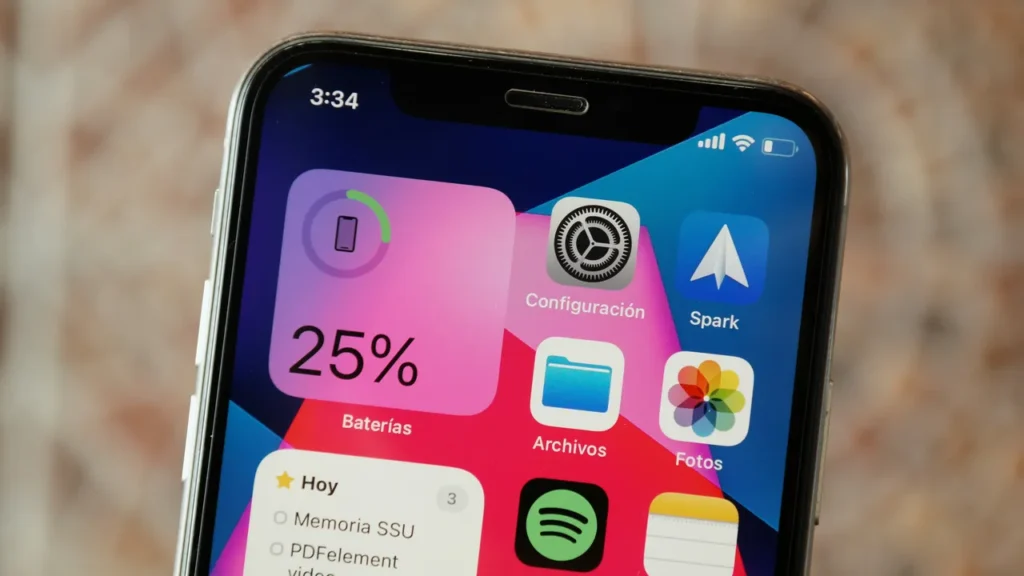
In the world of modern smartphones, one of the most common user concerns is declining battery life. Over time, every owner notices that their phone requires charging sooner than it did on the day of purchase. Apple devices are known for their long software support, but on the hardware side, batteries also age with time. To maintain efficient performance, it is essential to regularly monitor your iPhone battery health and use the device consciously.
Why does iPhone battery percentage decrease over time?
The lithium-ion technology used by Apple is currently one of the safest and most efficient ways to power portable devices. However, like all chemically based components, these batteries also age. This is a natural process: the number of charging cycles and daily usage habits directly affect how performance degrades.
When the maximum iPhone battery capacity starts to decrease compared to its original factory condition, it is not a software issue but the result of chemical aging. The internal resistance of the cells increases, causing the device not only to drain faster but, in extreme cases, to shut down unexpectedly, especially in low temperatures or under heavy load.
Checking iPhone battery capacity step by step
Fortunately, the iOS operating system includes excellent built-in diagnostic tools, so there is no need to download external, often unreliable applications. The process of checking iPhone battery capacity is very simple and can be done as follows:
- Open the Settings menu.
- Scroll down and select Battery.
- Tap Battery Health & Charging.
Here you will see the Maximum Capacity value displayed as a percentage. This number shows how much energy the battery can currently store compared to its original, new condition. Naturally, a new phone starts at 100%, but after around 500 full charge cycles (roughly equal to two years of normal use), this value typically drops to around 80%. If the iPhone battery health falls below 80%, the system may display a warning and limit peak performance to prevent unexpected shutdowns.
Practical tips for longer battery lifespan
You do not have to watch helplessly as your phone loses its endurance. By following a few simple rules, you can add years to your hardware’s lifespan. The tips below help minimize battery wear:
- Avoid extreme temperatures: Heat is the biggest enemy of lithium-ion batteries. Do not leave your phone in a car under direct sunlight during summer, and avoid charging it in thick cases if it becomes excessively warm.
- Enable Optimized Battery Charging: Turn this feature on in the settings. iOS learns your daily routine and slows charging above 80%, preventing the phone from staying at maximum voltage all night.
- Stay within the 20–80% range: If possible, avoid fully draining the phone and avoid keeping it constantly at 100% charge. Batteries perform best within this middle range.
When does professional service become unavoidable?
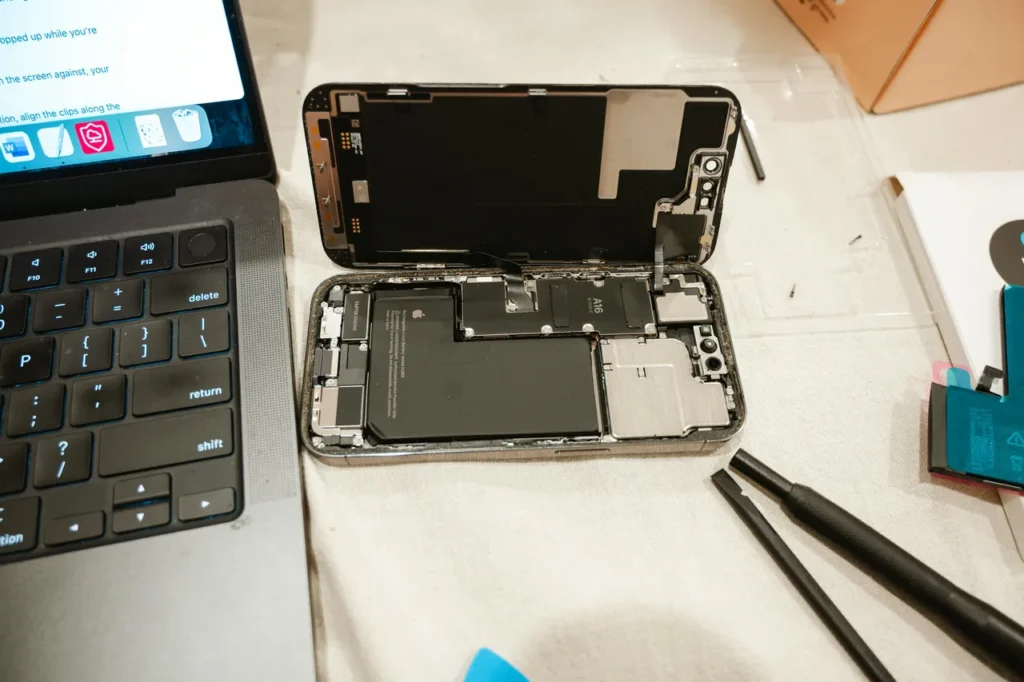
Many users tend to postpone maintenance, even though ignoring the issue can lead to serious damage. Rapid battery drain is not the only warning sign — if the back cover or display slightly lifts, it may indicate battery swelling, which represents a serious safety risk.
If your iPhone battery health becomes critically low, the processor speed may decrease, the system may become sluggish, and apps may open more slowly. At this point, visiting an official and professional Apple service center is the most sensible decision, where experts can safely replace the component according to proper standards.
Visit MacSzerez!
Do you feel like your iPhone can no longer keep up with your daily routine, and you are already reaching for the charger by the afternoon? Don’t wait until the situation becomes critical!
The expert team at MacSzerez provides fast, precise, and reliable assistance. Whether you need a trusted battery condition check, professional battery replacement, or even a newer premium-quality used iPhone, you will be in good hands with us.
Visit our store on Attila Street, bring in your device, and experience premium service. And if you are looking to upgrade your Apple ecosystem, take a look around our selection!