One of the most common issues for Apple tablet users is when the iPad does not charge. This problem can be caused by something simple like a poor connection, an unsuitable cable, a software issue, or even a more serious hardware failure. However, before seeking professional repair, it’s worth checking a few basic things.
1. Check the charging cable and adapter
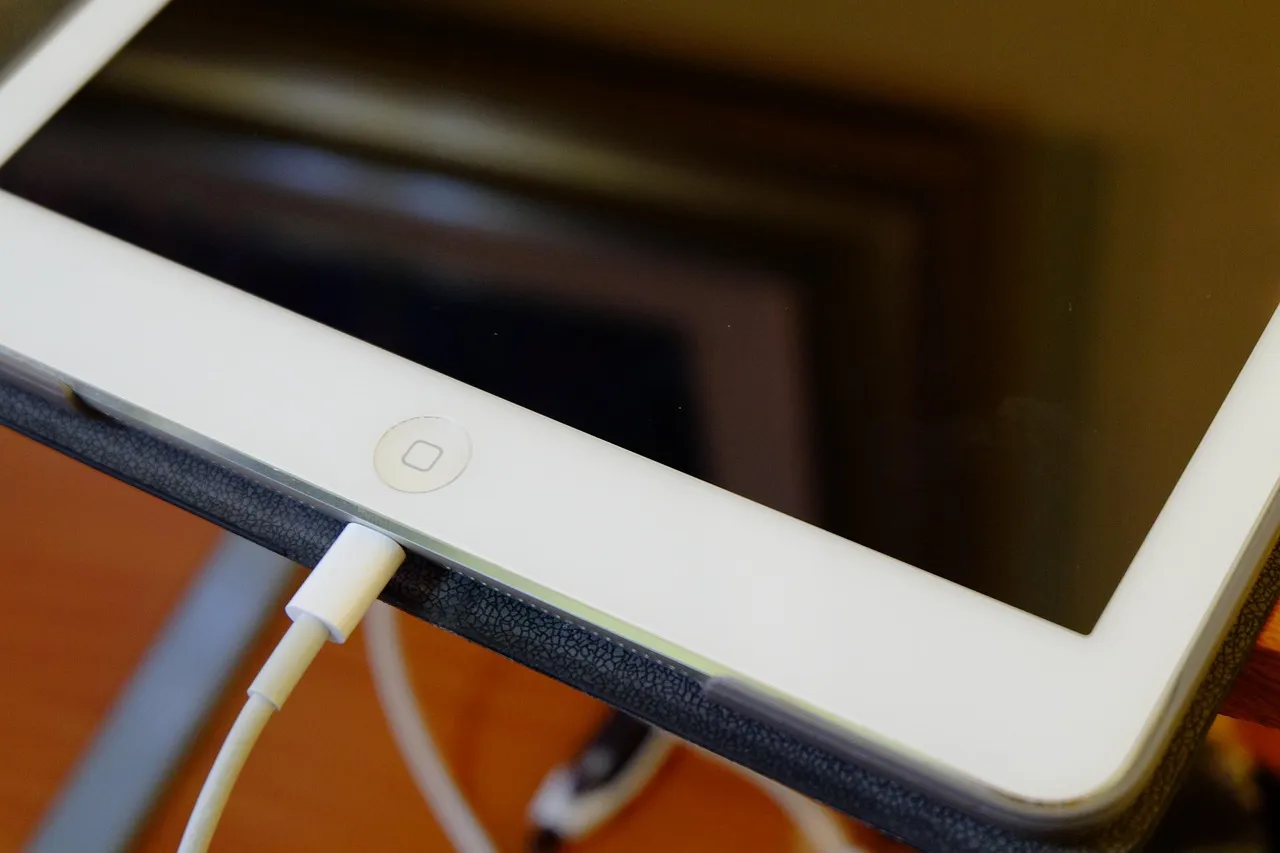
One of the most common reasons behind improper charging is a damaged or low-quality cable. If you are using a USB cable, inspect it carefully for breaks or wear
Try a different adapter.
Connect it to a computer to see if it charges there.
Use an original or certified high-quality cable.
In many cases, the issue is simply that the device is not receiving enough power from a low-performance adapter.
2. Clean the charging port
It may happen that the charging port is dusty or dirty. In such cases, the iPad cannot properly connect with the cable.
Turn off the device, then carefully clean the port using compressed air. Do not use metal objects, as they may cause a short circuit.
This may seem like a small step, but it often solves the problem surprisingly well.
3. Force restart
A software issue can also prevent the iPad from charging. In this case, it’s worth performing a force restart.
Press and hold the power button and the volume button (depending on the model).
Keep holding until the Apple logo appears.
This step often resolves power management issues.

4. Fully drained battery
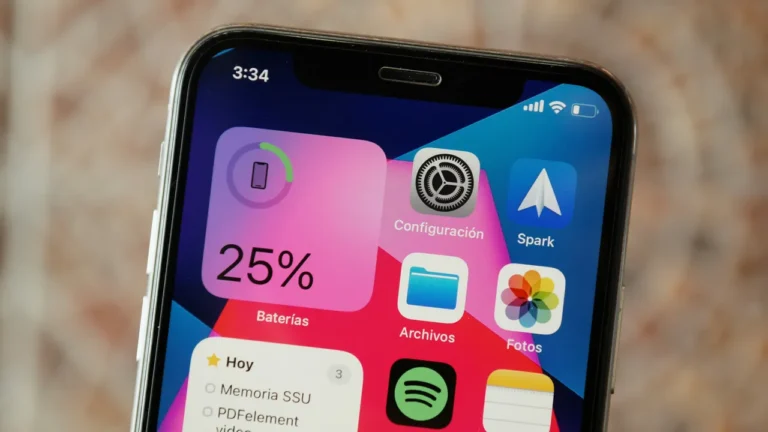
If the iPad is completely drained, it may not show any signs of life for a few minutes. In this case, connect it to a charger and leave it plugged in for at least 15–20 minutes.
Make sure to use a stable power source, not just a computer USB port, as it may not provide enough power.
5. Battery or charging controller issue
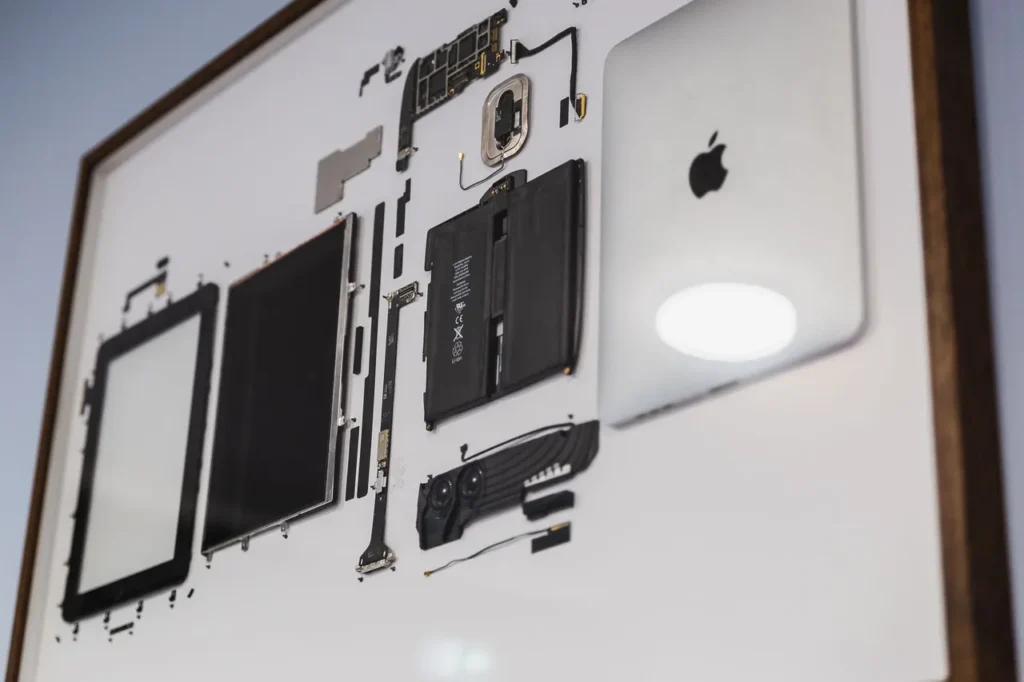
If the device still does not charge or charges very slowly, a hardware issue may be the cause. The battery may be worn out, especially after years of use. Additionally, a failure in the charging controller can also prevent the iPad from charging.
In such cases, it is definitely recommended to seek professional iPad service, where the exact cause can be determined with proper diagnostics.
When should you go to a service center?
If the steps above do not solve the problem, a more serious issue may be present, which is not easy—or advisable—to fix at home. It is recommended to take your device to a professional in the following cases:
The device does not turn on at all
It overheats while charging
Charging stops when the cable is moved
The charging port is visibly damaged
In these situations, it’s best to take your device to a service center as soon as possible, as quick intervention can prevent more serious damage. If you want to avoid risks, contact the MacSzerez expert team—we’re here to help right away!